For years, the standard advice for spotting a phishing email was to look for the obvious tells: awkward grammar, a strange greeting, a logo that looked a little off. That advice is increasingly out of date. Today’s phishing messages are often polished, well-written, and tailored to the person receiving them, which means a team that has only been trained to look for sloppy emails will miss a growing share of the real ones.
The good news is that the underlying tactics haven’t changed nearly as much as the packaging. Phishing still works by creating urgency, borrowing trust, and getting someone to act before they stop to think. Teach your team to recognize those patterns, and the quality of the email matters a lot less.
Why Phishing Keeps Working
Phishing doesn’t try to defeat your technical defenses. It goes around them by targeting the person sitting in front of the screen. A message that appears to come from IT, a vendor, a supervisor, or a payment platform arrives in the middle of a busy workday, asks for something that feels routine, and relies on the recipient’s instinct to be helpful and responsive. No exploit is required if someone willingly types their credentials into a convincing login page.
That’s also why this threat doesn’t stay in one department. Finance teams get fake invoices and payment-change requests. HR gets resumes with malicious attachments. Executives and their assistants get impersonation attempts built around real names and real projects. Everyone is a potential target, which is why awareness has to reach everyone.
The Red Flags Worth Teaching
Rather than asking people to memorize a long checklist, focus on a handful of signals that hold up even when the message looks professional:
- A sender address that doesn’t quite match. The display name says “IT Helpdesk,” but the actual address comes from a lookalike or unrelated domain.
- Urgency or pressure. Language like “your account will be suspended in 24 hours” is designed to short-circuit careful thinking.
- A link that doesn’t match where it goes. Hovering over a link before clicking often reveals a destination that has nothing to do with what the text claims.
- A generic greeting or an unusual request. “Dear User” instead of a name, or a request to share credentials, buy gift cards, or change payment details outside the normal process, should always prompt a second look.
It’s worth reinforcing one more point: a clean, error-free message is no longer evidence that an email is legitimate. The absence of mistakes shouldn’t be treated as a green light.
It’s Not Just Email Anymore
Phishing has moved well beyond the inbox. Text messages, phone calls that impersonate a bank or internal help desk, messages in collaboration tools like Teams or Slack, and QR codes placed in emails or on printed materials are all used to reach people through channels where they may be less on guard.
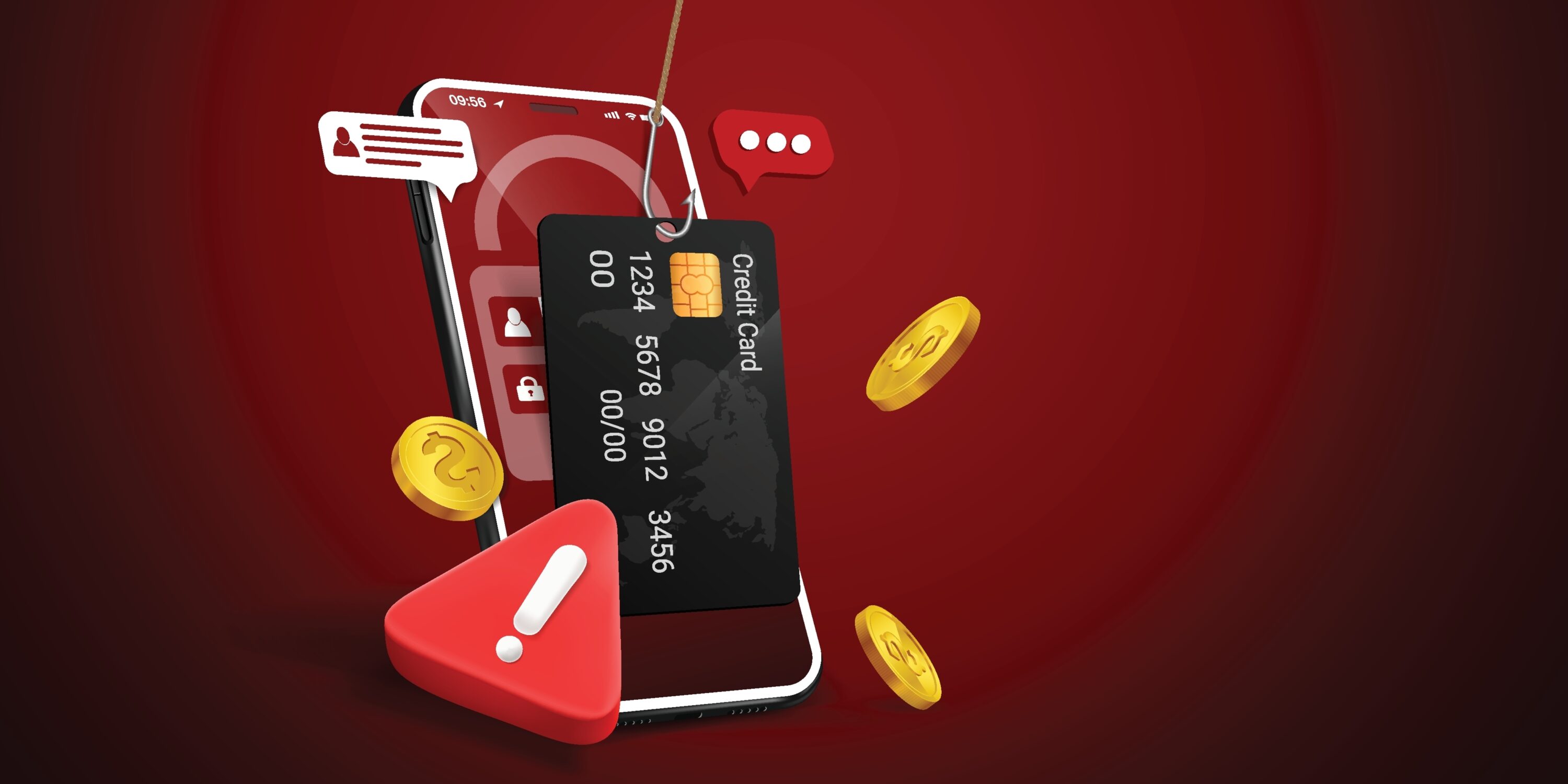
Your training and your reporting process should make clear that the same habits apply wherever a request shows up: pause, verify, and don’t act on pressure.
What To Do When Something Looks Off
The most valuable habit you can build is also the simplest: don’t click, and verify through a separate channel. If a message claims to be from your IT team, a vendor, or an executive, contact that person using a phone number or address you already know, not the one in the message itself.
Equally important is making it easy to report. A one-click report button or a clearly publicized address for suspicious messages turns every employee into an early warning system. If someone does click or enter credentials, the priority is speed: they should report it immediately, without fear of blame, so that your team can reset credentials, review account activity, and contain the issue before it spreads. Organizations that treat a reported mistake as a learning moment catch problems far earlier than those where people stay quiet to avoid getting in trouble.
Training That Sticks
Annual, hour-long training sessions tend to be forgotten within weeks. What works better is short, frequent reinforcement and realistic simulations that give people practice in a low-stakes setting. Track how many people report suspicious messages, not just how many click, because a rising report rate is a stronger sign of a healthy security culture than a low click rate alone. And tailor content to the roles most targeted, such as finance, HR, and leadership, since the scams they see look different from what a general user sees.
Training should also sit alongside technical layers rather than replace them. Email filtering, proper domain authentication, and multi-factor authentication (see our earlier post on password and MFA best practices) all reduce the chance that a single click turns into a serious incident.
Why This Matters In Regulated Environments
If your organization operates under HIPAA, CJIS, or GLBA, security awareness training is typically an expected or required part of your compliance program, and phishing is one of the most common ways incidents that trigger reporting obligations begin. For schools and universities handling student data under FERPA, the stakes are similar even where training isn’t explicitly mandated. In each case, a well-trained team and a clear reporting process are among the most practical ways to reduce both operational and regulatory exposure.
This is an area where ongoing support makes a difference. Between filtering and monitoring, user training, and clear incident procedures, phishing defense works best as a continuous practice rather than a once-a-year exercise, which is how we approach it with clients through our managed services and risk and compliance work.